Affordable Student Laptops in Malaysia: Dell, HP & More

Grade A refurbished devices at 30-40% below new cost, configured for educational institutions nationwide.

Education Grade

Educational institutions face a recurring challenge: equipping classrooms, labs and students with reliable and capable devices while respecting constrained technology budgets. A 5-year-old business laptop from brands like Dell, HP, or Lenovo, when Grade A refurbished and professionally restored, delivers the performance students need for coursework, research, coding and video conferencing at a fraction of new device cost.

We supply bulk education laptops to schools, colleges, universities and training centres across Malaysia with refurbished hardware and managed Chromebook fleets.
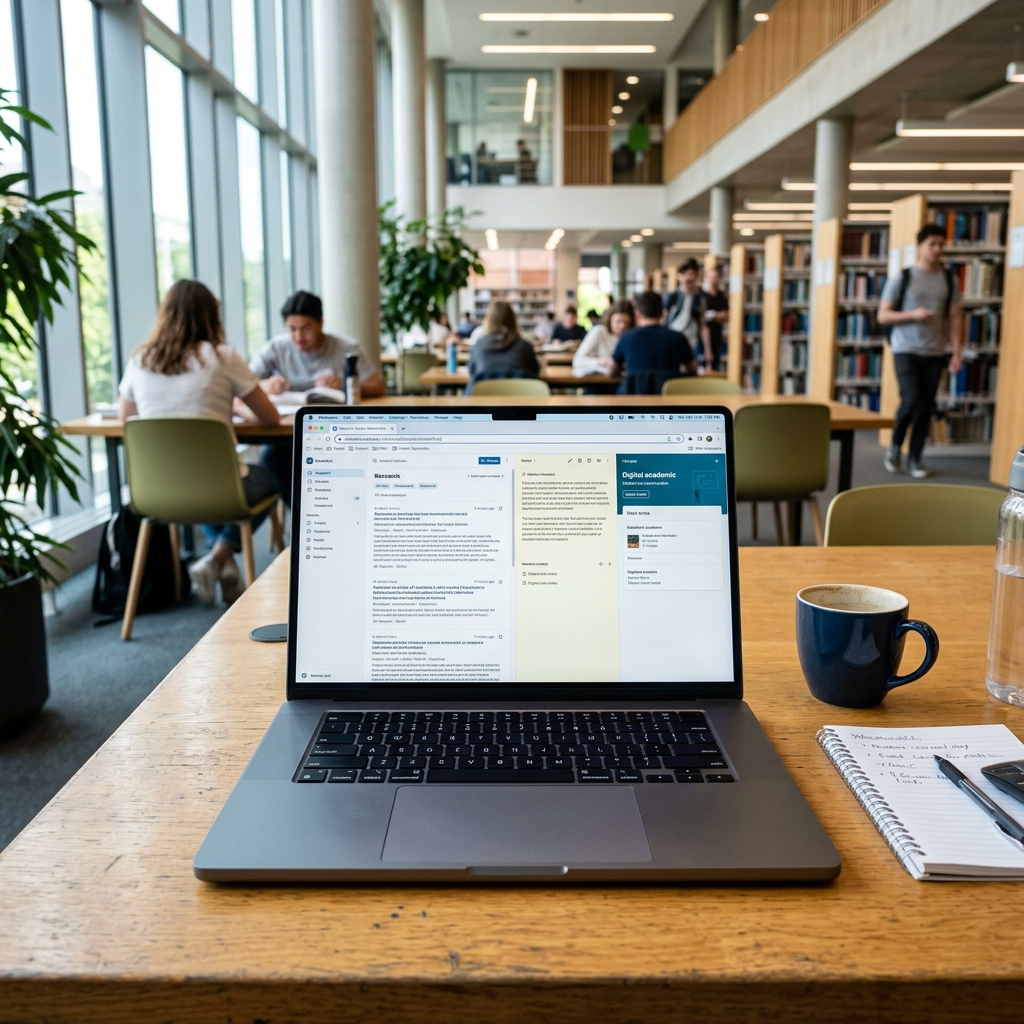
Education Grade Laptops

Why Malaysian Educational Institutions Choose Refurbished

Budget Efficiency

Device budgets in education are constrained. Grade A refurbished laptops offer reliable quality at 30-40% reduced costs relative to new devices that provide the same specifications. This provides extra money for software licensing, networking or teacher training.

Consistent Classroom Specification

When it comes to equipping a lab or installing a technological system in a classroom, consistent specifications across all devices are essential. We set up computer labs where each computer has the same memory, storage and processing power.

Managed Chromebook Fleets for Google Workspace

Managed Chromebooks work best for schools that are utilizing Google Classroom and Google Workspace for Education. We prepare the devices according to your Google Admin Console domain prior to shipment, meaning that the device is all set once it arrives at your school.

Institutional Procurement Support

We know the procurement process of the education sector and provide formal quotations for finance committee review. We help with the ordering process, and deliveries are coordinated according to the school calendar.

Institution Laptops We Supply

Core Student Laptops

Suitable for Microsoft Office, Google Workspace, research, writing assignments and light coding. Brands include Dell Inspiron, HP 240/250 series and Lenovo IdeaPad, each Grade A with a 6-month warranty. Battery life of 2+ hours.

Core i3 / i58GB RAM256GB SSD

STEM & Technical Specification

For engineering, computer science and design students. These handle coding environments (VS Code, PyCharm, Android Studio), light CAD and simultaneous applications without performance issues. Popular with universities equipping computer science labs.

Core i5 / Ryzen 516GB RAM512GB SSD

Chromebook Fleets

Google Workspace-ready Chromebooks for supervised learning environments. Fleet management via Google Admin Console supports centralized device policy, app deployment and usage monitoring. Ideal for computer labs, standardized assessments and bring-your-own-device programs. All devices are pre-enrolled before delivery.

ChromeOSGoogle AdminManaged FleetMin. 10 Units

Student Device FAQs

A good student laptop should have at least an Intel Core i3/i5 or Ryzen 3/5, 8GB RAM, and an SSD (even just 256GB) instead of an HDD. This covers about 90% of Malaysian coursework that includes browsing, Word/Excel/PowerPoint, Zoom classes and LMS portals. But for engineering, design or CS students, it’s recommended to go for 16GB RAM and a 512GB SSD because the software they run (AutoCAD, MATLAB, Adobe suite, coding environments, local AI/ML model training or running Jupyter notebooks with datasets) eats RAM fast and multitasking with 8GB becomes painful.

Yes, if it's from a reputable seller. Choose laptop units with at least a 6-12 month warranty and a disclosed battery health %. Avoid random Facebook/Mudah listings with no warranty or only a 7-day exchange.

Go for Windows if your course needs specific software (e.g., AutoCAD, MATLAB, SPSS, accounting/ERP tools) because most Malaysian university labs and lecturer files are Windows-based. But buying a MacBook would be a better option if you're in design, media, or CS, or just want great battery life and build quality. It is advised to check your faculty's official laptop/software list before deciding.

Yes. Apple Silicon Macs run Windows via Parallels Desktop (officially Microsoft-supported, no reboot needed) or Windows 365 in the browser. Older Intel Macs can dual-boot natively via Boot Camp. This works fine for occasional use but if 50%+ of your coursework depends on Windows applications, a native Windows laptop is a lot smoother.

8GB/256GB is the bare minimum for light Office/browsing use only. CS, design, and engineering students should go for 16 - 32GB RAM and 512GB - 1TB SSD. Don't skimp on RAM because it's usually not upgradeable later.

14-inch (1.2–1.5kg) is better if you commute or carry it between lecture halls daily. 15.6-inch suits students who mostly work from a desk/hostel room and want a bigger screen; it's also usually the cheaper option in budget laptop ranges.

A genuine, activated Windows 11 (or macOS on Mac), Microsoft 365 (often free via your university student email), a browser, Zoom/Teams/Google Meet, Windows Defender or basic antivirus, and cloud backup (OneDrive/Google Drive). Add course-specific software (SPSS, AutoCAD, MATLAB, Adobe CC) per your faculty's requirements.

Dell Latitude is known for comfortable keyboards, while HP EliteBook is known for premium chassis and battery longevity. The real deciding factors are generation/specs, battery health %, warranty length, and cosmetic grade (A/B/C), not the brand badge itself.

Expect 5-7 hours of actual use from most Windows laptops (screen brightness + Wi-Fi drain it faster than marketing numbers suggest). Apple Silicon MacBooks get much closer to their rating in the real world, often 12+ hours. For genuinely all-day use without hunting for a power outlet, an M-series MacBook or an efficient Windows ultrabook (Intel Evo/Ryzen U-series) is your best bet.

Yes, new laptops typically come with a 2-3 year manufacturer warranty (either standard or extendable depending on brand), and refurbished laptops come with at least a 6-12 month warranty. Easy Connect Solutions offers a 6-12 month extendable warranty along with a 72-hour swap guarantee in case of any fault or complaint. So, if something goes wrong, you're not stuck without a laptop during exam season while it gets mailed off for weeks.

Equipping Your School, College or University?

Contact us with your specifications, unit count and timeline. We'll return a formal quotation within one business day.